
Demo account. Real lessons.
Already on etoro? Log in and switch to Virtual Portfolio.
 Licensed & RegulatedAcross key markets
- Nasdaq-Listed ETORPublicly traded
 Since 200719 years in markets
 40M+ UsersGlobal community
Open your account
Get $100,000 in virtual funds to build the practice portfolio of your dreams.

Practise investing
Try trading stocks, crypto, commodities, ETFs - just one or all at once.
Talk strategy
Compare notes with top-performing investors and learn from their insights.
Confidence isn’t a feeling. It’s a track record.
Grow your trading skills with nothing on the line. When you’re ready for the real thing, switch over in a tap.
How to set up your free demo account.
Log in to etoro, or open a free account.

Choose Virtual Portfolio from the menu under your username.

Practise on live markets in real time, using virtual funds only.
Same instruments. Same signals.
The demo account is fully loaded with all of the etoro platform’s innovative features. Take it out for a test drive:
- Watch real markets move in real time, then act on what you see
- Copy experienced investors to learn their strategies
- Experiment with risk, applying leverage, Stop Loss, and Take Profit
- Try thematic portfolios built around real market trends
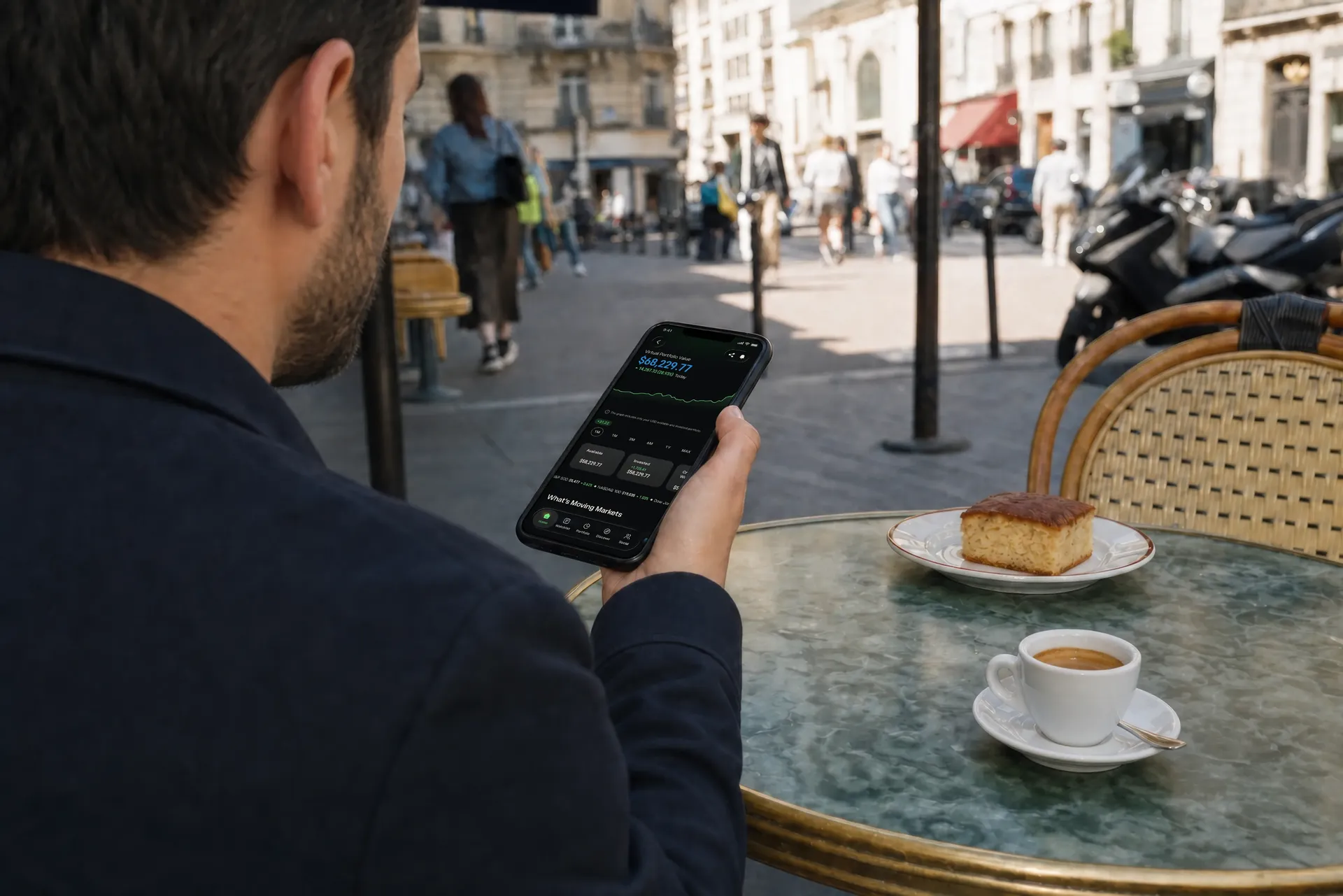
The trades are real. The funds are fake.
 Stocks
 Crypto
 Commodities
 Currencies
 Indices
 ETFs
ETFs
When you’re ready, you’ll know. We know.
Make mistakes and test strategies without putting your own capital on the line. By the time you’re ready to invest for real, you’ll have a real edge.

Questions? Obviously. We have answers.
A virtual account on eToro mirrors a real trading account, with the same features and the same live market conditions, except every trade is simulated. It's the safest way to test out the platform and build your trading skills, since the virtual account is completely free, with no fees and no real money at stake.
A virtual account runs on simulated trades using virtual funds. A real account places live trades using funds you've actually deposited into your eToro balance.
Three simple steps:
- Log in to eToro, or open a free account.
- Choose Virtual Portfolio from the menu under your username in the top-left corner of your dashboard.
- You'll see $100,000 in virtual funds appear in your balance.
You can switch between Real Portfolio and Virtual Portfolio at any time using the Real/Virtual menu. Trades placed in the Virtual Portfolio use virtual funds only, with no fees and no impact on your real account balance.
- Log in to eToro, or open a free account.
- Click the Real/Virtual button under your username in the top-left corner of your dashboard.
- Choose Real Portfolio or Virtual Portfolio from the menu that appears.
You can flip between Real and Virtual Portfolio at any time using the Real/Virtual menu.
Every eToro account is credited with $100,000 in virtual funds for trading in the Virtual Portfolio. To top up or reset, open a ticket with Customer Service and tell us how much you'd like added. The maximum we can add to your virtual balance is $100,000. We can also bring your virtual balance back down to a minimum of $2,000.
Absolutely. eToro's demo mode mirrors real-world trading, so new investors can learn how to trade by practising for free.
Yes. You can trade stocks live in the virtual account, under the same market conditions as real trading on the platform.
Trades placed in the virtual account carry no fees and have no effect on your real eToro portfolio.
Yes. CopyTrader works in the demo exactly as it does in real portfolio mode.
Yes. CFD trading and leverage are both available in the demo, working exactly as they do in real portfolio mode.